Bem-Vindo à Ajuda do SuricataCRM
Suricata. Turn on mobile. Organize toda a sua informação numa única plataforma, disponível 24 horas por dia, em todo o mundo..
The user can make several decisions on how he manages his files.
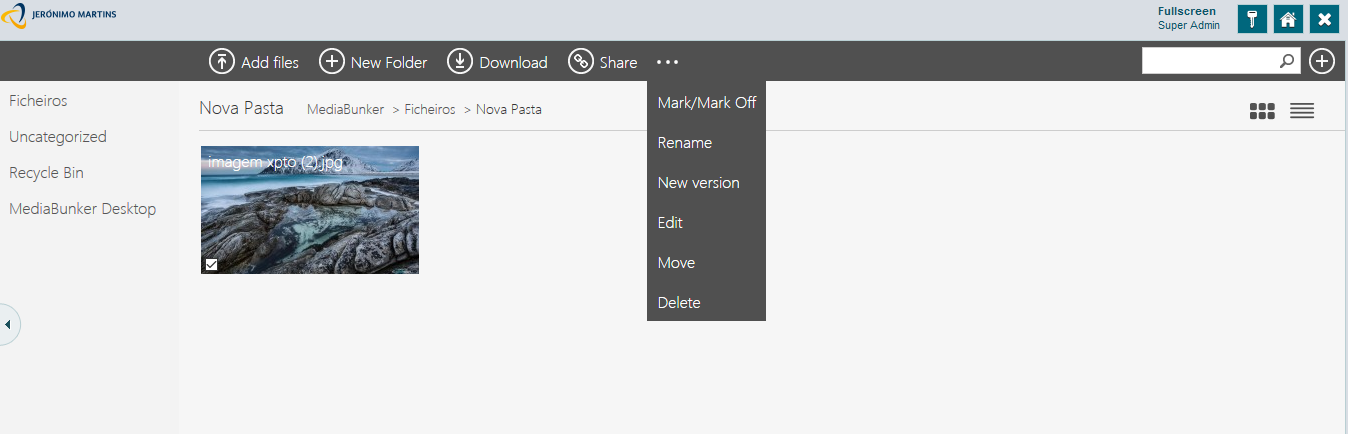
The user has to select a file, for such simply check the checkbox in the bottom left corner and a files menu will appear.
Downloads the selected file.
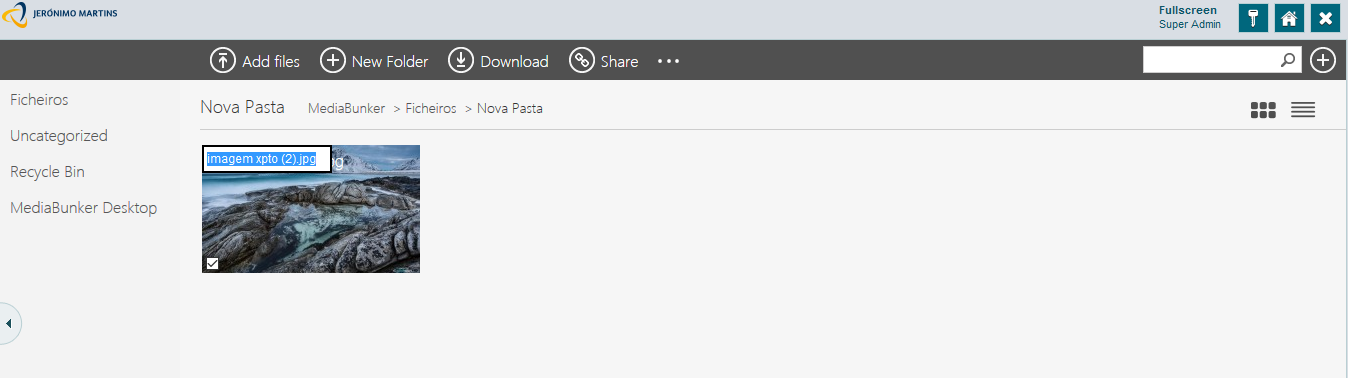
MediaBunker will select the chosen file's name. The user may then rename the file's name however he wants.
The user can edit characterization file. If the file is already filled with some information the user may change this information and / or add more information if the file does not contain any information the user will have to choose the type of document to be able to fill the information.
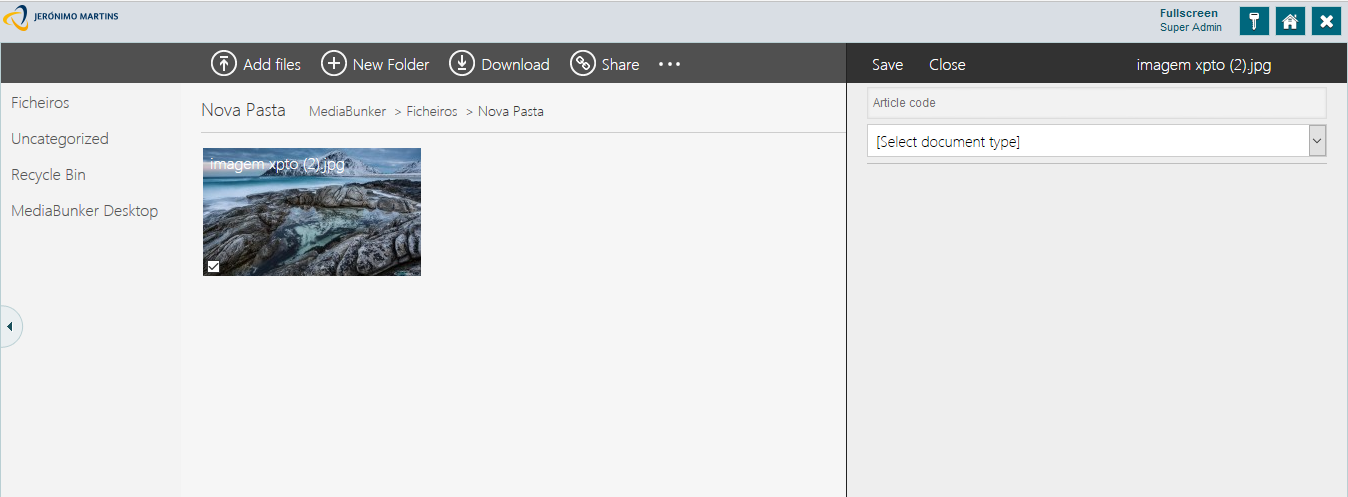
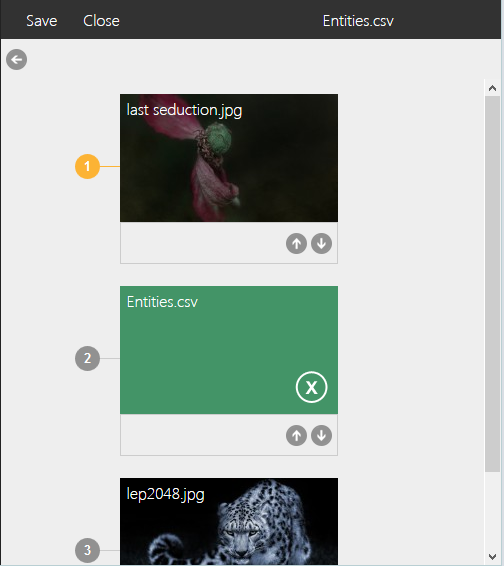
If the file has an article code is the same as others, will appear in the window to edit a number to say how many files this article contains code to load the next button  it will open a window containing the multiple files for the same item code and the user can organize in order to choose the most important, pressing the buttons on each image to the order and save the changes made.
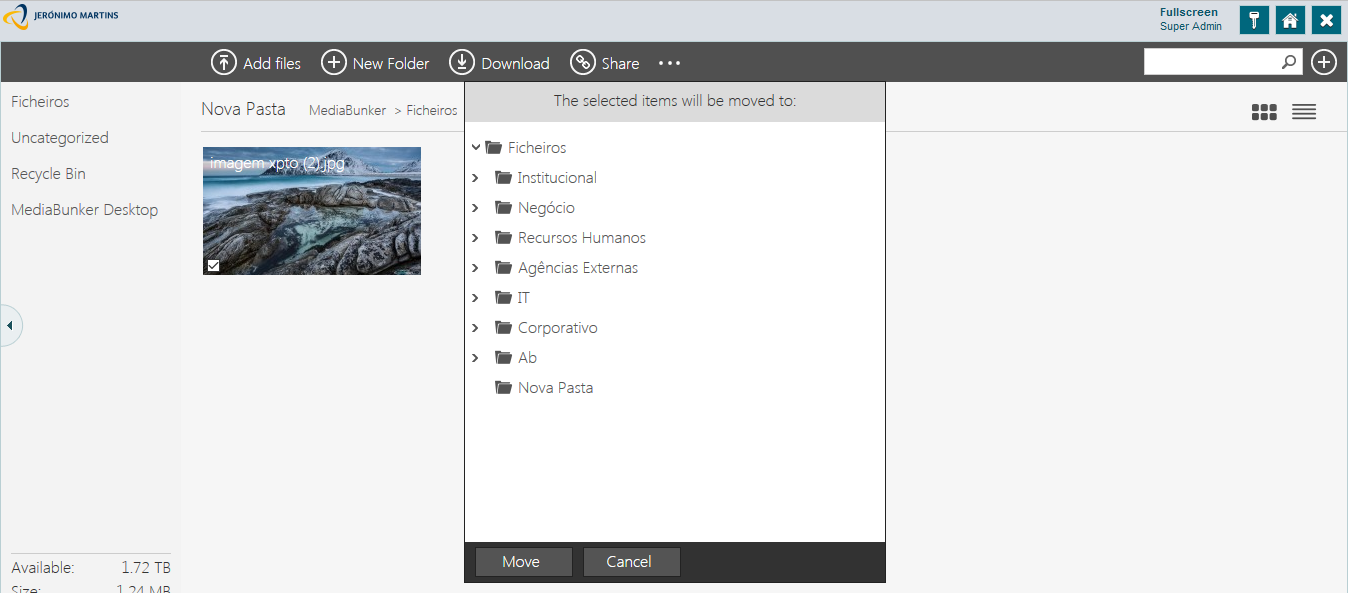
A window will all possible paths will appear to move the file.
To move simply select the desired path and click the "Move" button,
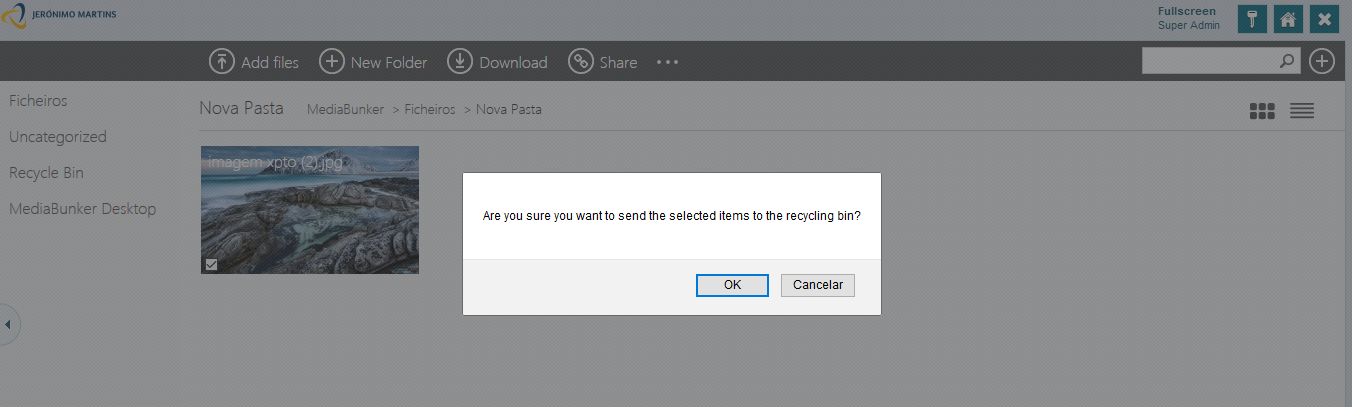
A message will appear to confirm if the user really wants to delete the file.
Deleted files can be found in the recycle bin.
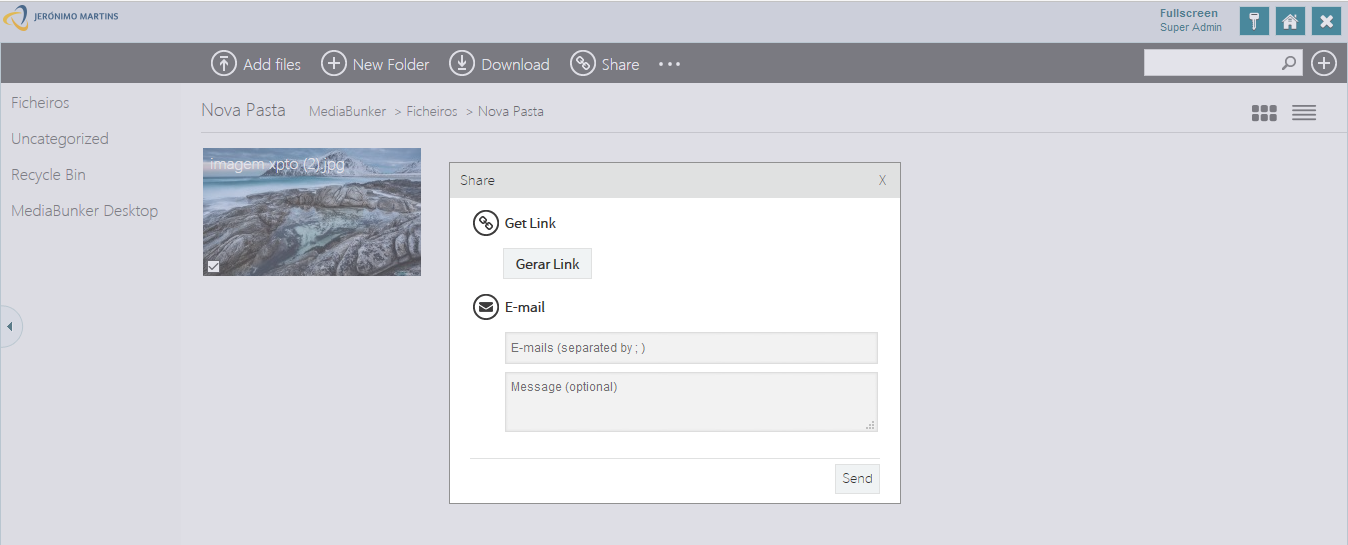
A window will appear where the user can choose between the option to get the link or send email.
The option to obtain the link, the user can then copy it to the clipboard.
In the e-mail option, the user writes the Senders and the subject, by pressing the "Send" the file is sent along with the description written by the user.
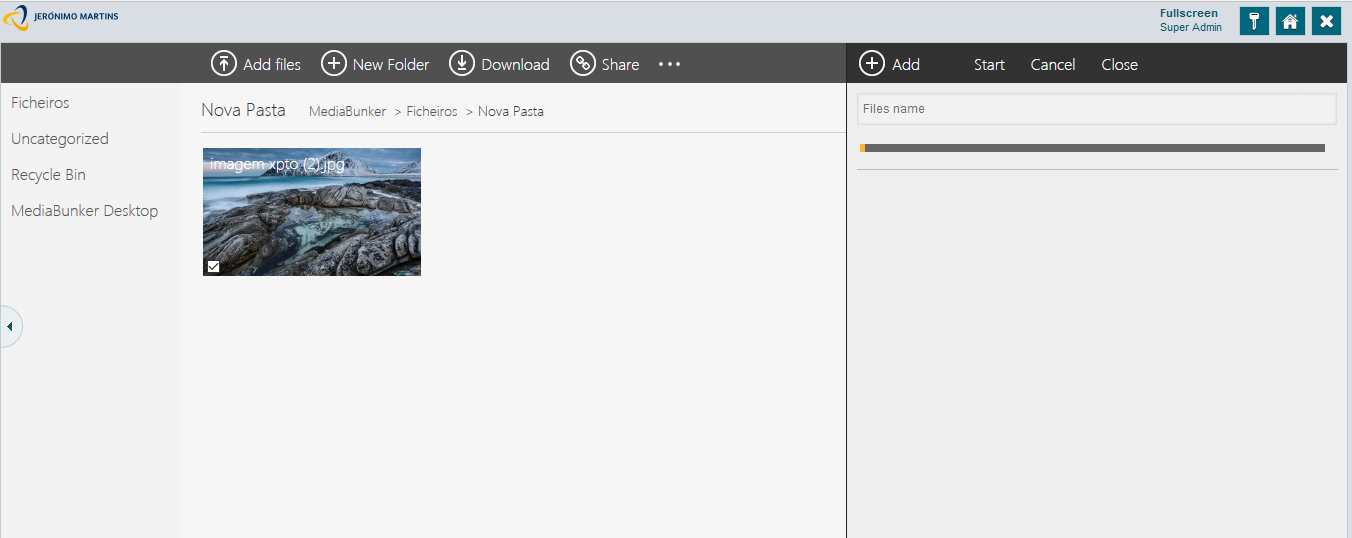
A window will pop up on the right side with several options.
You can add a new version of the file by adding upload a new file, however, the user has the opportunity to cancel the upload of the file in the appropriate option at any time.